 MKCad
Apps · MKC-APP-004
MK Bolts
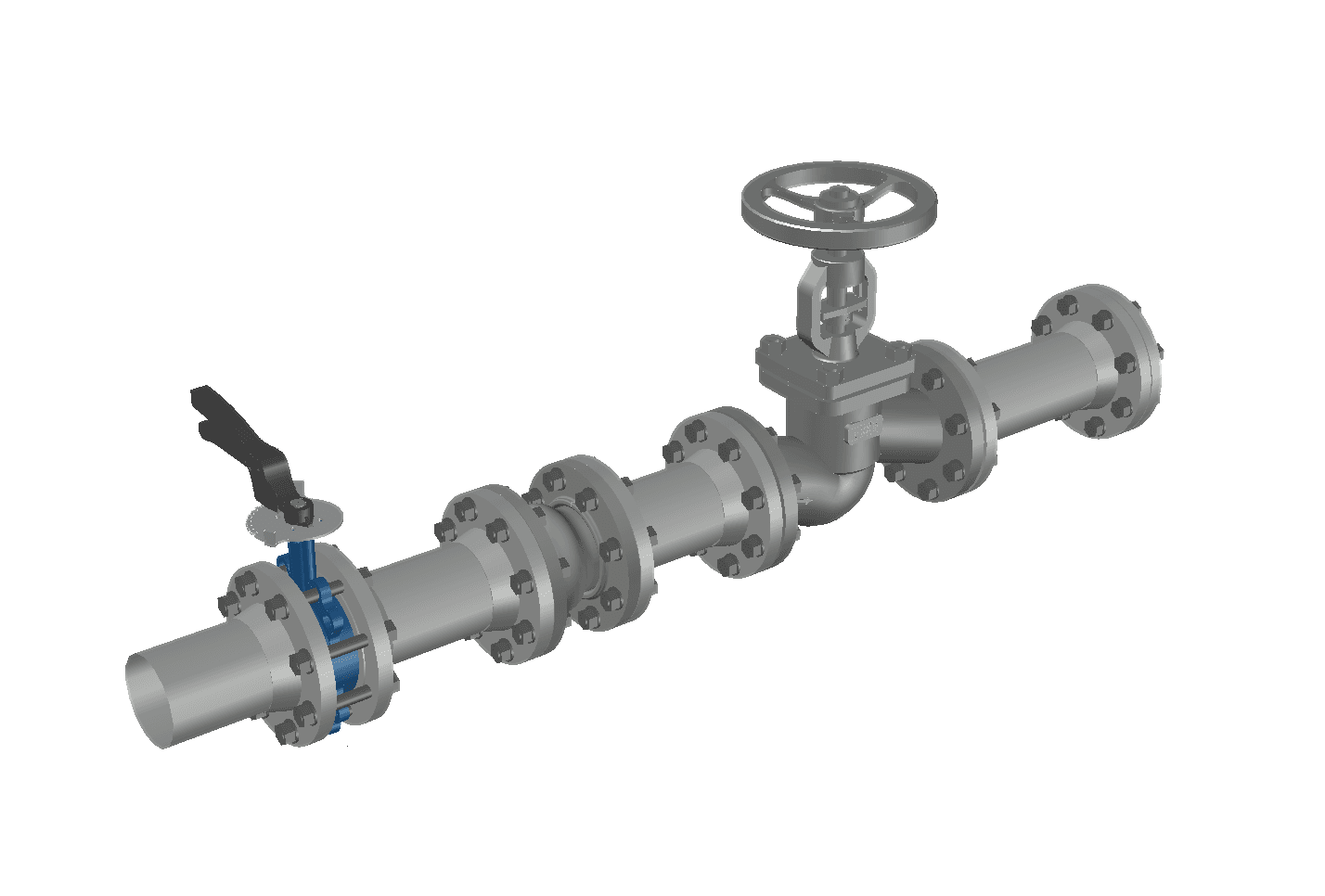
Puts real bolt models on the flanges in your Plant 3D model, in one click.
- Bolts on every flange or only the ones you select, in one click
- Bolt sizes and quantities read from your project specs
- Edit any joint: studs or bolts, nuts, washers and length
- Bolts stay attached to their flanges and valves
- Bolts your clash checks can see
Version 1.0 doesn't yet support projects stored in Autodesk Vault or Autodesk Docs.
99 EUR
per seat · excl. VAT · 5 seats for 449 EUR
Launch priceuntil 30 November, then 129 EUR per seat.
Prices exclude VAT. Applicable VAT or other indirect taxes may be added depending on your country and tax status. The final price, including any taxes due, is shown in the payment summary before you pay.
- Licence
- Perpetual
- Updates
- Free within major version
- Trial
- 7 days
- Works with
- Plant 3D 2023–2027
- Platform
- Windows
Pricing.
Paid once · perpetual licence · excl. VATSeats
Perpetual licence, paid once, not yearly. Every update within the major version is included. A future major version may be a paid upgrade.
One key, activating one machine.
Launch price until 30 November. After that: 129 EUR.
Prices exclude VAT. Applicable VAT or other indirect taxes may be added depending on your country and tax status. The final price, including any taxes due, is shown in the payment summary before you pay.
See it work.
Placing, editing and removing bolts, step by stepHow buying works.
One key, one machine- 01
Order your seats
Pick the number of seats, say whether you're buying as a business or privately, and send the order form. A business adds its EU VAT ID and the invoice is made out to it.
- 02
Pay
I reply by email with the payment details. Nothing is charged on this site.
- 03
Send your Machine IDs
After payment you get the installer. Install it, open Plant 3D, open the plugin's licence window and reply with the Machine ID it shows, one per seat.
- 04
Get your keys
Keys arrive within three working days of payment, with my VAT invoice for a business order. Private buyers get theirs from Link when they pay. Paste the key into the plugin and it's active.
Keys are issued by hand, so they don't arrive instantly. If your Machine IDs reach me after the payment, the clock starts when they arrive.
MKC-APP-004
Try it on your own model.
Full version for 7 days, with one limit. Bolts are placed on up to 30 joints per drawing. Leave your email and I'll send you the installer.